
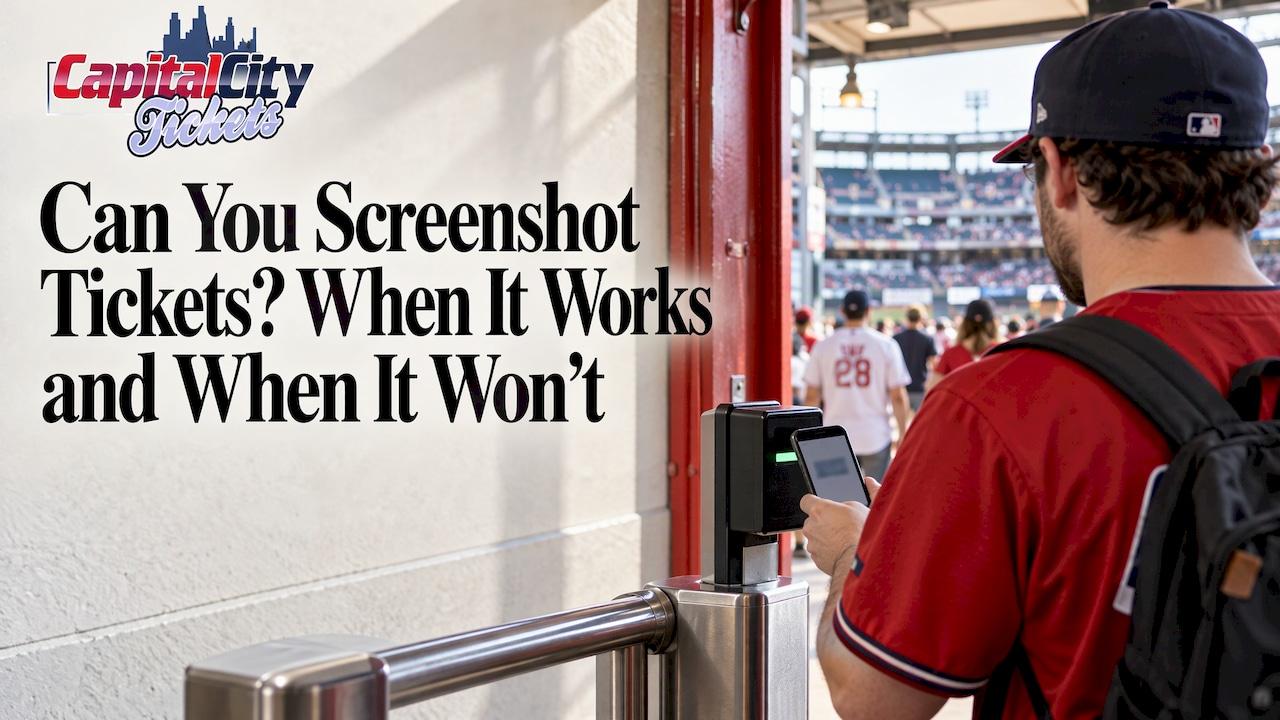
Usually, no. Most U.S. arenas, stadiums and theaters now use barcodes that refresh every few seconds, and a screenshot freezes one moment of that code. The scanner at the gate wants the live ticket, opened in the issuer's app, the mobile website or your phone's wallet. A screenshot only works when the barcode is fixed, and you can't tell that from looking at the image. So the safe habit is to get the live ticket onto your phone days before the event and treat any screenshot as a backup for your own reference, never as your way in.
That matters most when you're buying for a game, concert or show at a lower price. You want the ticket to be real, delivered and scannable. Here is how screenshots behave, what venues say, and a simple routine that gets you through the gate.
TL;DR
- A screenshot of a ticket with a rotating barcode will not scan. Venues such as the United Center, Nationwide Arena and the Baltimore Ravens say it is not valid for entry.
- A screenshot can work only if the barcode is static (never changes) and the venue accepts that format. You usually can't tell which kind you have by looking.
- The fix is easy: add the ticket to Apple Wallet or Google Wallet, or open it in the ticketing app, at least 48 hours before the event.
- Never send a screenshot of your ticket to anyone, and don't accept one from a seller. A screenshot is not a transfer.
- If your phone dies or is lost, most venues can reissue your ticket at the box office with ID.
Table of Contents
- Why a screenshot often fails at the gate
- What venues actually say
- When a screenshot can still work
- Does an Apple Wallet screenshot work?
- A pre-event routine that avoids the screenshot question
- Screenshot tickets from a seller are a warning sign
- What this means for different events
- What about print-at-home tickets?
- Our view: the ticket should be the live one
- Shop for tickets you can use with confidence
- FAQ
- Sources
Why a screenshot often fails at the gate
A ticket barcode or QR code is just a pattern that a scanner reads and checks against the event's records. Older tickets used a fixed pattern. Whoever held a copy of that pattern, whether the original, a printout or a screenshot, could present it, and it scanned the same way. That also made copying easy: one ticket could be photographed and sold or shared more than once.
To stop that, many ticketing systems now use a rotating barcode. The Ticketmaster system called SafeTix is the best known. The San Diego Padres explain that Petco Park uses it for all games, with a barcode that refreshes every 15 seconds so it can't be stolen or copied, which means printouts and screenshots can no longer be used to enter the ballpark.
The Los Angeles Angels describe the same change. Their "Protect the Barcode" technology replaced the static digital barcode with a rotating one that can't be duplicated, and screenshots of tickets in the Ballpark app are no longer accepted at Angel Stadium. The team says the goal is that each ticket is unique and not a duplicate, which protects fans from counterfeiting and fraud and gives them confidence the ticket is genuine.
So when you screenshot a rotating ticket, you capture a code that was valid for a few seconds. By the time you reach the gate it has expired, and the scanner rejects it.
What venues actually say
The answer is not a vague "it depends." Many venues state it plainly.
- United Center (Chicago): its mobile ticketing guide says a mobile ticket must be provided within the app, the mobile website or the phone's wallet to gain entry. Screenshots are not valid.
- Nationwide Arena (Columbus): its QR digital ticketing FAQ says a screenshot cannot be used, and recommends viewing and adding your tickets to your wallet at least 48 hours before the event.
- Baltimore Ravens: the team's digital tickets FAQ says the rotating barcode changes every few seconds, so screenshots are not valid for entry.
- Martin Marietta Center for the Performing Arts (Raleigh): its ticketing info page says all tickets are digital and that print-at-home tickets and screenshots will not be accepted.
These are a basketball and hockey arena, an NFL stadium, an MLB ballpark and a performing arts center. That covers the events most readers here buy for: concerts, NBA and NHL games, baseball and theater. The pattern is consistent. If the venue uses a refreshing barcode, the screenshot is out.
When a screenshot can still work
There is one real exception. Some tickets carry a fixed barcode. For those, a clear screenshot scans exactly like the original, because the scanner reads the pattern, not the screen it came from. Help-center guidance from the ticketing platform Theatr notes this case: a screenshot or PDF can work with a fixed barcode, if the original provider and the venue accept that format.
That "if" is the problem. You usually can't tell from the image alone which kind of barcode you have. A few clues help:
- The code moves or shows a countdown. If you see animation, a shimmer or a moving bar, it's rotating. A screenshot will fail.
- The ticket comes from an app with its own login. Tickets that live inside a ticketing app are often built to rotate.
- The venue's site mentions rotating barcodes, SafeTix or "no screenshots." Take that at its word.
- The ticket is a PDF with a plain, static code and the venue says it accepts print-at-home tickets. A screenshot may match the PDF, but the PDF itself is the better thing to carry.
If you can't confirm it, assume the screenshot won't scan. The venue's own ticketing page is the place to check, and it takes a minute.
Does an Apple Wallet screenshot work?
No, and this trips up many people. Adding a ticket to Apple Wallet is a good move, but taking a screenshot of the wallet pass is not the same as having the pass.
Apple's own support page explains that some barcodes and QR codes rotate and change periodically, causing them to expire. If you photograph or screenshot an expiring code, such as a concert ticket, the pass you make from it won't work.
With Ticketmaster tickets in a wallet, there often isn't even a barcode on the screen to capture. At many venues you hold the back of your phone to the reader, using NFC (the same near-field tap technology as contactless payments). The Martin Marietta Center describes this: adding a SafeTix ticket to Apple Wallet on iPhone or Google Pay on Android lets you get in regardless of cell service, and on NFC-capable phones the pass enables tap-and-go entry. If contactless fails, tapping "Show code" in Google Pay shows the rotating barcode.
The Angels confirm that a ticket loaded in Apple Wallet works for stadium entry, and that the same ticket can still be used inside for suites, club access and concessions. The wallet is the right place for your ticket. A picture of the wallet is not.
Our own guide to adding and using mobile wallet tickets walks through the steps on iPhone and Android.
A pre-event routine that avoids the screenshot question
You don't need a screenshot if you set up the live ticket early. This is the routine that works at most venues.
- Find your ticket 3 to 7 days out. Barcodes for many mobile tickets only unlock close to the event, so don't panic if you see no code a week early. Check your email and the ticketing app after the venue's release window.
- Add it to your wallet at least 48 hours before. Both the United Center and Nationwide Arena recommend this timing. If the wallet option is missing, some organizers disable it and require entry from the ticketing app. Follow the instructions on your ticket.
- Open the ticket once while you have a connection. The United Center notes that once tickets are viewed in the Ticketmaster app, they are saved and available in offline mode regardless of internet connectivity. Wallet tickets work without internet too. Weak stadium cell service stops being a problem.
- Turn the screen brightness up at the gate. Nationwide Arena advises maxing it out if a ticket doesn't scan. If that fails, the ticket taker can manually enter the ticket number to validate it.
- Charge your phone and carry a battery pack. A ticket on a dead phone is a ticket you can't show.
- Keep the confirmation email and a photo ID handy. You'll want them if you need the box office.
What if the phone breaks, dies or goes missing? The United Center says to go to the box office with ID to have your ticket issued. The Ravens say to present ID at the box office between Gates E and F to have tickets printed. Details vary by venue, so look up yours before you travel.
Screenshot tickets from a seller are a warning sign
If you are buying from someone other than the venue or an established marketplace, a screenshot of a ticket is a red flag. It isn't proof that the person owns the ticket, and a rotating barcode means it can't be used at the gate anyway. Scammers count on buyers being in a hurry for a sold-out show or a last-minute game.
The Angels say it plainly: tickets bought from resale platforms are accepted when shown in those platforms' apps, but a seller-provided screenshot should be exchanged for a genuine forwarded digital or physical ticket. That is the right instinct for any purchase. You should receive a real transfer, not a picture.
The same goes for posting your own ticket. A photo of your barcode on social media can give a stranger a copy to try to use first. Share the event details, not the code.
Two guides from us go deeper: how ticket transfers work and a checklist for spotting ticket scams.
What this means for different events
The rule is the same everywhere, but how you feel it differs by event.
Concerts. Large tours commonly use rotating barcodes and NFC entry. Don't count on a screenshot, and expect the code to appear only days before the show.
Baseball, hockey and basketball. Teams such as the Angels and Padres explicitly reject screenshots. If you're taking kids, set up the wallet pass a couple of days early. A family arriving with four tickets and weak signal at the gate is where things go wrong. Each ticket needs to be opened live.
Football. The Ravens' rotating barcode changes every few seconds. Open the ticket in the team app or wallet ahead of time, and know where the box office is.
Theater and smaller venues. Policies vary more. Some smaller venues still scan fixed codes or look people up by name. Even so, the Martin Marietta Center, a performing arts venue, refuses screenshots, so don't assume theater is more relaxed. Check the venue's ticketing page.
NASCAR and other events. Some tracks and organizers use their own systems. Look at the delivery instructions in your order and the track's fan information page.

What about print-at-home tickets?
Print-at-home PDFs are a different case from screenshots. When a venue accepts them, a printed copy carries the same fixed code that the PDF does. But many venues have gone fully digital, and the Martin Marietta Center says outright that print-at-home won't be accepted. Check the venue before you rely on paper. If the order was designed for printing, our guide to print-at-home tickets shows how to handle them so you aren't caught out at the door.
Our view: the ticket should be the live one
We've been helping fans find affordable tickets for more than 20 years, and the screenshot question comes down to one idea: what you carry to the gate should be the real ticket, not a picture of it.
That's also how we think about buying. A low price only helps if the ticket is genuine and arrives. That's why we stand behind every purchase with a 100% guarantee on ticket authenticity and delivery, so you can plan your night around the event rather than around worrying about the barcode.
Our advice for any fan, whether you're after cheap NBA or NHL seats, a baseball game, a concert or a Broadway show: open your ticket in its app or wallet well before the event, read the venue's mobile entry page, and keep your phone charged. If you do those three things, you won't need a screenshot at all.
Capital City Tickets
Shop for tickets you can use with confidence
If you're still looking for seats, you can filter events by city, venue, date and category on our site, use promo codes, and find last-minute tickets for upcoming events. Every purchase is covered by our 100% guarantee on ticket authenticity and delivery. Browse concert tickets, sports tickets or theatre tickets and pick the event you want.
If you want to know how a resale purchase is verified before you buy, read about verified resale tickets.
FAQ
Can you screenshot tickets and use them to get in?
Mostly not. Venues that use rotating barcodes reject screenshots because the code in the image has already expired. A screenshot can work only with a fixed barcode that the venue accepts. Since you rarely can tell, open the live ticket in the app or wallet.
Do screenshots of tickets work if the barcode is static?
A clear, uncropped screenshot of a static barcode scans the same as the original, because the scanner reads the pattern. But the venue must accept that format, and many state they don't take screenshots at all. Check the venue's mobile entry page before relying on one.
Can I screenshot a mobile ticket as a backup in case my phone loses signal?
A better backup is the wallet. Wallet tickets work without internet, and tickets viewed in the Ticketmaster app are saved for offline use, according to the United Center. Add the ticket to your wallet at least 48 hours ahead and open it once at home. You can keep a screenshot for your own reference, but expect to enter with the live ticket.
What should I do if my ticket won't scan?
Turn your screen brightness to maximum first. If it still fails, the ticket taker may be able to type in the ticket number, as Nationwide Arena describes. If your phone is broken, dead or lost, go to the box office with photo ID and ask for the ticket to be reissued.
Is a screenshot a safe way to send a ticket to a friend?
No. A screenshot is not a transfer, and a rotating barcode won't scan from it anyway. Use the official transfer option in the ticketing app so your friend receives a live ticket in their own account or wallet.
Sources
- Mobile Ticketing Guide, United Center
- Frequently Asked Questions: QR Digital Ticketing, Nationwide Arena
- Ravens Digital Tickets FAQ, Baltimore Ravens
- Ticketing Info, Martin Marietta Center for the Performing Arts
- Don't Strike Out at the Gate, Los Angeles Angels
- Ticketmaster SafeTix, San Diego Padres
- Create a pass using Siri Mode in Apple Wallet, Apple Support