

Yes, you can get ticket price alerts: set one on a tracker or marketplace and watch the total price, fees included, rather than the sticker price. Academic research shows secondary market prices often fall as an event nears, and the FTC's fee disclosure rule now requires sellers to show the full price upfront. Pick a tool, set your number, and let the notifications do the watching.
TL;DR:
- Marketplace alerts catch listings quickly, while dedicated apps and independent trackers add price history; combine services to compare inventory and spot misleading dips.
- Set thresholds against total checkout cost and acceptable seat categories, then use staggered targets rather than waiting for one ideal price that may never appear.
- Listings fall most in the final month, but high demand can push prices up; check more often near the event rather than assuming a date.
- The FTC’s total price rule took effect May 12, 2025, but verify mandatory fees at checkout because alerts can show stale or base prices.
- Sports prices can swing within days, so check hourly near game day; popular tours and limited theater runs may hold steady or rise.
Table of Contents
- Where to set alerts: marketplaces, apps, and trackers
- Step-by-step: how to create effective ticket price alerts
- When ticket prices tend to fall and how to use timing
- Why you should track total price, not just the sticker price
- How to interpret price alert notifications effectively
- Strategies to use price alerts for different event types
- Benefits of subscribing to multiple alert services
- How to act fast once a price alert triggers
- Comparison of free vs. paid price alert services
- Our take on alerts, transparency, and guarantees
- Find and buy tickets with confidence on Capital City Tickets
- FAQ
- Sources
Where to set alerts: marketplaces, apps, and trackers
Three types of tools handle ticket price alerts, and each fits a different kind of shopper.
Marketplace alerts live inside the platform you'd buy from anyway. You pick an event, set a price ceiling, and get a push notification when matching tickets appear. These are fast to set up and tend to catch inventory the moment it's listed, though many show you only current listings rather than a price history, so you can't always tell if today's price is actually low.
Dedicated ticket-tracking apps fill that gap. TicketJam is listed in the App Store as a concert-ticket app that lets you set a target price and get a real-time alert once tickets drop to that level. Apps like this tend to focus on specific genres or regions, so check that your event type is covered before relying on one.
Independent price-tracking sites and community projects round out the picture. These often chart resale prices over time, which helps you judge whether a listing is genuinely a deal or just average. Some require a free account to unlock custom alert thresholds or multiple saved searches.
A few practical notes on choosing among them:
- Marketplace alerts win on speed and direct purchase access.
- Dedicated apps like TicketJam win on price history and custom thresholds.
- Independent trackers win on cross-platform comparison but may need registration for full features.
For deeper background on how prices move once listed, our breakdown of dynamic ticket pricing walks through why identical seats can carry different prices hour to hour.
Step-by-step: how to create effective ticket price alerts
Setting an alert takes a few minutes, but doing it well takes a bit more thought than just typing in a number.
- Decide your target total price, fees included, and note which sections or seat types you'd accept at that price.
- Choose your alert tool or tools and set the check frequency, instant, hourly, or daily, depending on how fast the event tends to sell.
- Pull up a historical price chart if the tool offers one, and set staggered thresholds, say 20% off face value and again at 35% off, so you catch the trend instead of waiting for one perfect number.
- Turn on notifications and send yourself a test alert to confirm it actually reaches your phone or inbox.
- Keep payment information ready and know the checkout steps in advance so you're not fumbling when the alert fires.
Pro Tip: Always set your alert on the total final price, not the listed face value, and run separate alerts for each seat category you'd consider buying.
Staggered thresholds matter more than people expect. A single alert at your dream price might never trigger, while a layered set of alerts shows you the shape of the market as it moves, which is far more useful than a yes-or-no notification.
When ticket prices tend to fall and how to use timing
Research on secondary ticket markets found that posted and transaction prices tend to decline as an event approaches, with many listings showing pronounced drops in the final month. That pattern isn't universal: demand for the artist or team, seat location, and venue size all shift how much and how fast prices move.
There's no single magic day to buy. Some events get cheaper steadily, others barely move until the final week, and high-demand shows can climb instead of falling. Watching the trend through staged alerts beats guessing at a date.
A few rules of thumb worth following:
- Start tracking as soon as tickets go on sale, even if you don't expect to buy early.
- Increase your alert frequency once you're inside the final month before the event.
- Lower your target threshold gradually as the date approaches, since that's when drops are most common.
Our guide on the best time to buy concert tickets breaks down these patterns by event type in more detail.
Why you should track total price, not just the sticker price
A ticket listed at a tempting price can still cost more than a "pricier" one once fees are added, which is exactly why the total price matters more than the headline number.
The FTC's rule on unfair or deceptive fees requires sellers of live-event tickets to disclose the total price, including most mandatory charges, prominently and prohibits misleading fee practices. It took effect May 12, 2025.
The total price is what counts: under the FTC rule, sellers must show most mandatory fees upfront, which means a shopper comparing two listings can now judge them on the actual amount due rather than a stripped-down base price.
Before you lock in an alert or a purchase:
- Confirm which fees are mandatory versus optional add-ons like insurance.
- Check the final payment screen before completing checkout to make sure it matches what the listing promised.
- Set your alert threshold against the total price whenever the tool allows it, not the face value.
How to interpret price alert notifications effectively
An alert firing doesn't automatically mean you've found a deal. Read it the way you'd read a weather forecast: useful information, not a guarantee.
Start by checking whether the price shown is the total price or just a base fare. If the notification only shows face value, open the listing and confirm the full checkout amount before getting excited. Next, compare the alert against the price history you've been watching.
Pay attention to inventory level too. A notification tied to a single remaining seat behaves differently than one showing dozens of available tickets, since the single seat is more likely to vanish before you finish deciding. If a tool shows a trend line, look for a genuine downward slope rather than a one-time dip that could reverse by the next check.
Finally, treat repeated alerts for the same event as a pattern worth learning from. If prices keep bouncing between two numbers, that range is probably close to the real market value, and waiting for something far below it may cost you the seats entirely.

Strategies to use price alerts for different event types
Concerts, sports, and theater each move on their own rhythm, so one alert strategy doesn't fit all three.
Concert tickets for high-demand tours often hold steady or climb until the show sells out, then occasionally dip for lower-tier seats as the date nears. For these, set alerts early and keep expectations modest about big drops. Smaller or less-known acts tend to follow the broader pattern of gradual declines, so a patient, staggered alert setup works well.
Sports tickets respond heavily to team performance and standings. A playoff push or a losing streak can swing prices within days, so shorter alert check intervals, hourly rather than daily, make more sense close to game day. Weeknight games against lower-profile opponents often see the steepest late discounts.
Theater and touring stage shows, especially limited engagements, tend to behave more like concerts for popular productions but can soften noticeably for weekday or matinee performances. Setting separate alerts for different performance dates of the same show, rather than one alert for the whole run, often surfaces the better deals.

Benefits of subscribing to multiple alert services
Relying on one app or marketplace alone narrows your view of the market, since no single tool lists every seller or updates at the same speed.
Running alerts through multiple services at once increases how much inventory you see and how quickly you hear about a drop. A marketplace alert might notify you about new listings instantly, while a dedicated tracker like TicketJam shows whether that price is actually low compared to history. An independent tracker can confirm the same trend across other sellers, which helps you avoid acting on a fluke listing.
The tradeoff is a bit more setup and a few more notifications to manage, which is why staggered thresholds and clear target prices matter even more once you're monitoring multiple feeds. Think of it as diversifying your information sources rather than duplicating effort. If you treat each service as covering a slightly different slice of the market, together they give you a far more complete read than any single alert ever could.
How to act fast once a price alert triggers
Ticket inventory at a good price rarely sits still, so the minutes right after an alert fires matter.
Have your payment method saved and your account logged in ahead of time, since re-entering card details during checkout can cost you the seats. If the tool lets you preview the exact seats and total price before committing, check that screen first to make sure nothing changed between the alert and the listing page. Many alerts may reflect an outdated snapshot, especially for high-demand events.
Decide your fallback in advance, too. If the exact seats in the alert are gone by the time you click through, know whether you're willing to accept a nearby section at a similar price or whether you'd rather wait for the next notification. Making that call in the moment often leads to either overpaying out of panic or missing out entirely, so settle it before the alert even arrives.
Comparison of free vs. paid price alert services
Most ticket price alerts cost nothing to set up, whether through a marketplace's built-in notifications or a free tier on an app like TicketJam. Free services typically cover the basics well: a target price, a notification, and sometimes a simple price history chart.
Paid tiers, where they exist, usually add faster check intervals, more saved alerts per event, or deeper historical data spanning multiple past tours or seasons. For an occasional concertgoer tracking a small number of shows, the free tier is usually enough. For someone monitoring several events across a season, sports fans tracking a full home schedule, for instance, the extra alerts and faster refresh rates on a paid plan can be worth the cost.
Before upgrading, check whether a free account across two or three different tools already gives you the coverage a paid plan promises. Often, combining free services from different providers gets you most of the benefit without the subscription fee.
Our take on alerts, transparency, and guarantees
We encourage you to pair our listings with outside trackers and alerts to judge timing, then come back to confirm the final payment amount before you check out. For more on fee transparency, see our piece on verified resale tickets.
— Capital City Tickets
Find and buy tickets with confidence on Capital City Tickets
Once your alerts point you toward a target price, we make it simple to act on it. Our marketplace covers concert tickets, sports tickets, and theatre tickets nationwide, with filters by city, venue, date, and category, support for promo codes, and instant download for last-minute plans.
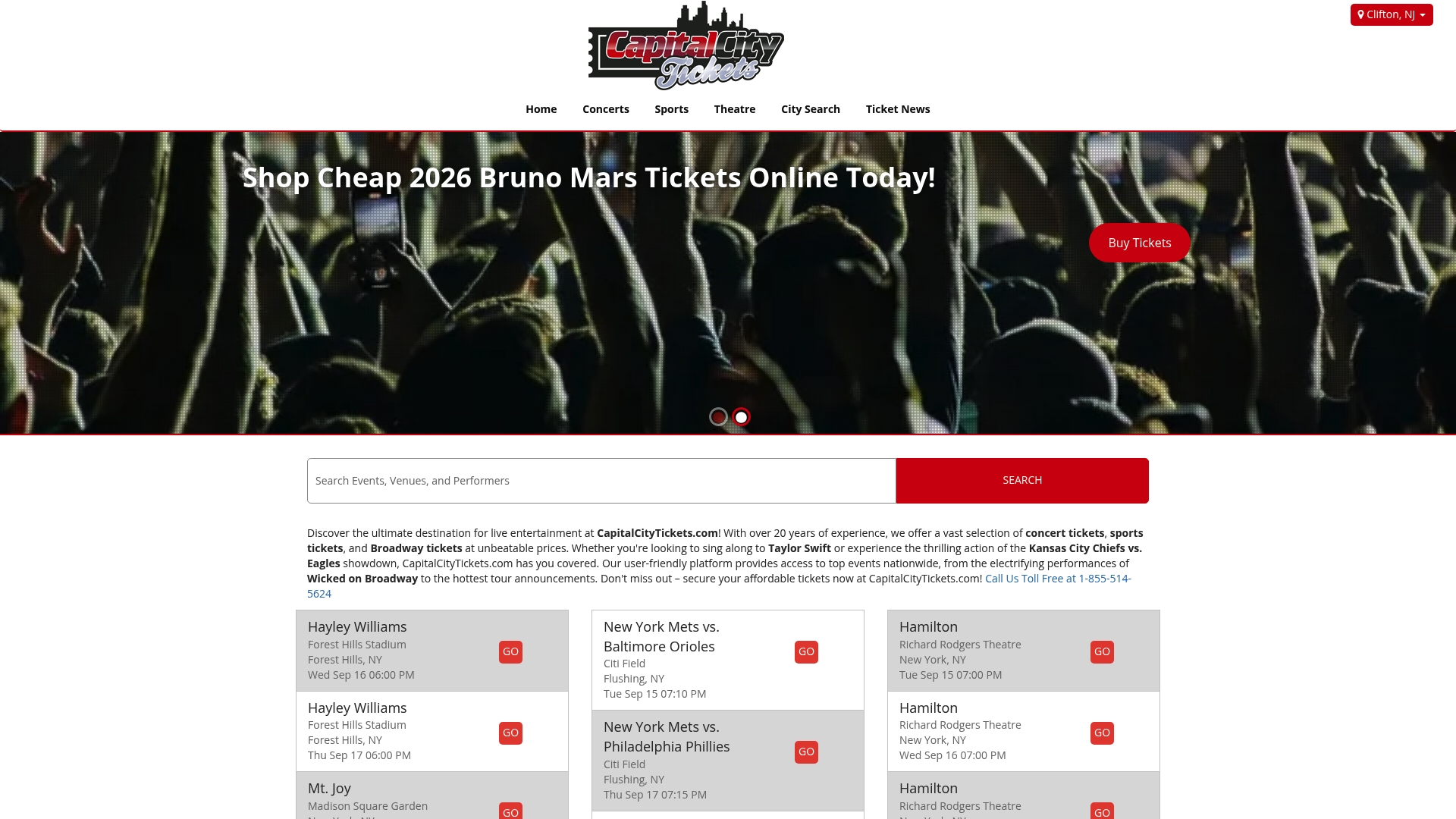
If you're watching a specific show, our 40th Anniversary Concert Tickets listing or events like David Sedaris at Knight Concert Hall show the filtering and pricing in action. For more event ideas while your alerts run, SoCal event guides like summer concerts in Los Angeles are worth a browse too. Set up your saved searches now and check back once your target price hits.
FAQ
How soon before a concert do ticket prices drop?
There's no fixed timeline, but research on secondary ticket markets found many listings show their steepest declines in the final month before the event. Demand for the specific show still drives the pattern more than the calendar does, so tracking trends beats picking a fixed date.
Why are ticket prices so expensive?
Ticket prices reflect demand, seat location, and dynamic pricing models that adjust as inventory sells, which can push costs higher for popular shows. Mandatory fees also add to the total, which is part of why the FTC now requires upfront total-price disclosure for live-event tickets.
Can you set ticket price alerts on a ticket marketplace?
Many ticket marketplaces offer built-in alert features that notify you when tickets matching your price range become available. For more price history and custom thresholds, a dedicated app like TicketJam or an independent tracker can add useful detail alongside those marketplace notifications.
What should I check before buying a ticket that an alert flagged as a deal?
Confirm the total price at checkout, including fees, matches what the alert or listing showed, since the two can sometimes differ slightly. Our guide on verifying face value covers quick checks to avoid a false positive before you complete the purchase.
Sources
- Dynamic Pricing Behavior in Perishable Goods Markets: Evidence from Secondary Markets for Major League Baseball Tickets
- Federal Register / Vol. 90, No. 6 / Friday, January 10, 2025 / Rules and Regulations